 Now on the App Store
PoolCheck
Know who's at the pool before you pack up the kids.
PoolCheck gives you a live view of which friends are at your neighborhood pool right now. Arrive and it checks you in automatically. Leave and it checks you out. No tapping required.
Simple. Automatic. Together.
Three steps and you're set for the season.
Add your pools and friends
Search for your community pool or drop a pin. Invite neighbors via SMS — they connect automatically when they join.
Enable auto check-in
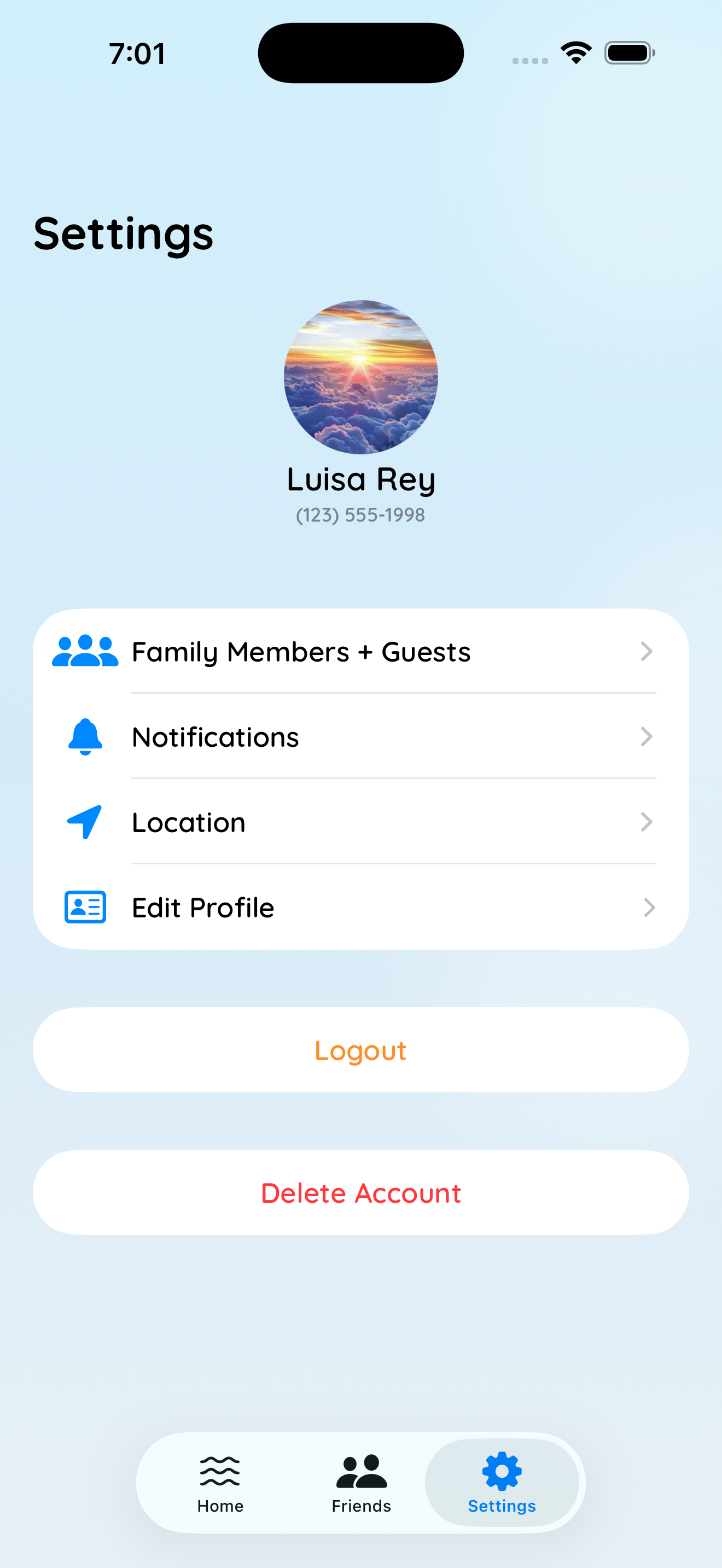
Turn on Automatic mode in Location settings. PoolCheck monitors your registered pools in the background and checks you in when you arrive.
Open the app and see who's there
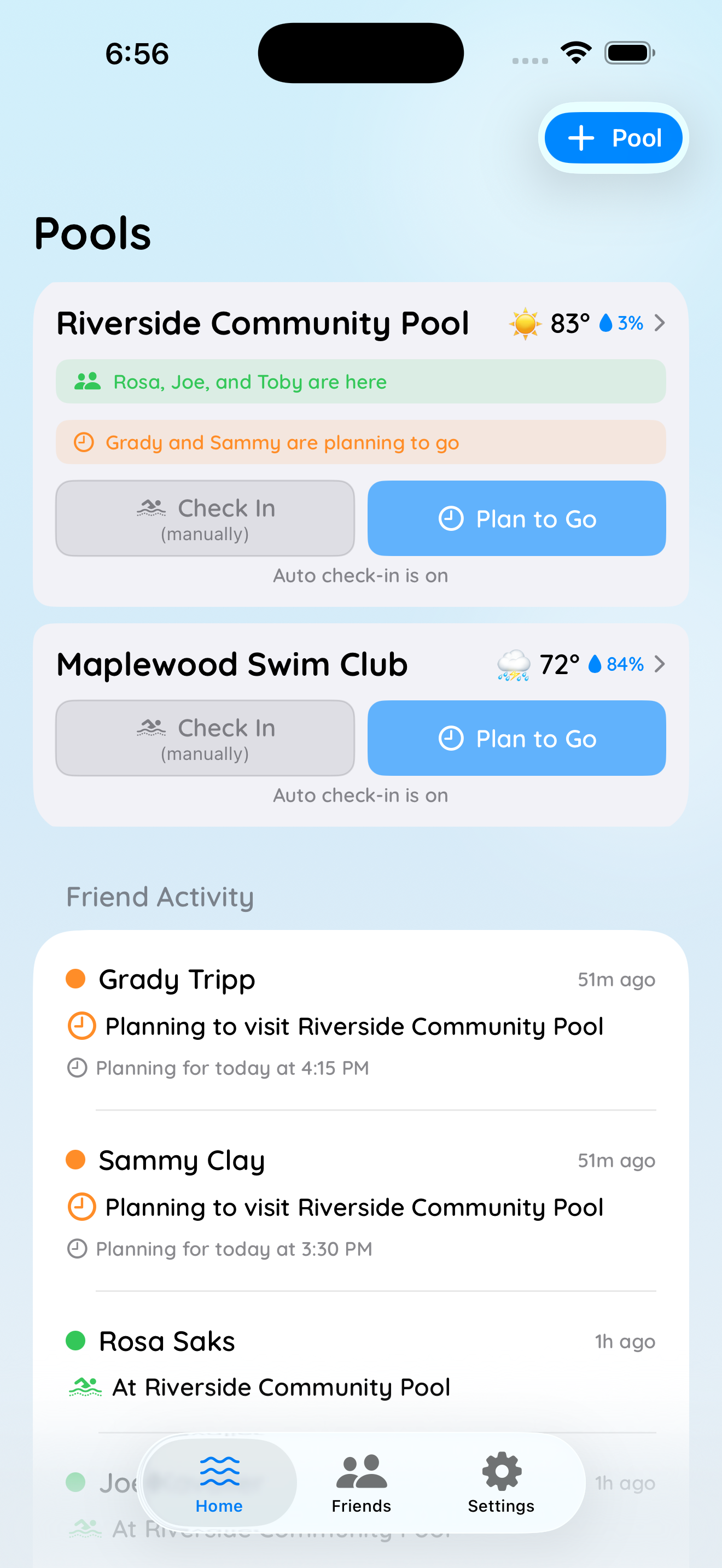
The home feed shows real-time activity — who's at each pool, how long they've been there, and who's planning to come.
See PoolCheck in action
A look at what's inside.
Everything pool families need
Built for HOA pools, neighborhood swim clubs, and summer regulars.
Auto Check-In
Arrive at your pool and PoolCheck checks you in automatically via geofencing. Depart and it checks you out. No interaction needed.
Bring the Family
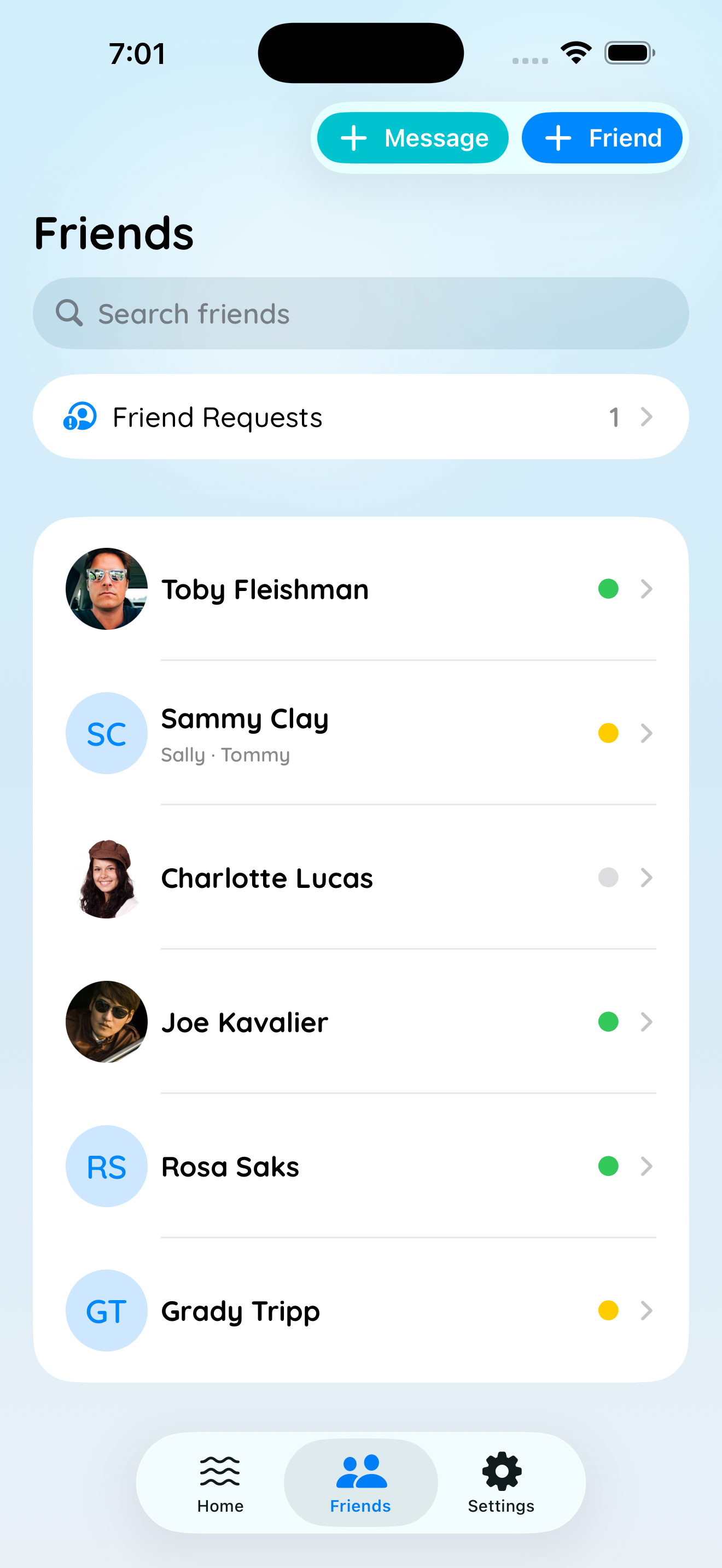
Add family members and guests. When you check in, choose who's with you. Friends see "Luisa and 2 kids are here."
Plan to Go
Tell friends you're heading over and when — and add a note like "bringing the inflatable shark." A planning strip on the pool card lets anyone watching know to join you.
Events & Hours
Post swim meets, parties, and closures, and set per-day open and close hours. Color-coded event pills on pool cards keep members informed at a glance.
Discover Pools Nearby
When adding a pool, PoolCheck shows you pools already on the app nearby. Tap to join instantly — no codes, no approval needed.
Friend-Gated Activity
Your check-ins and plans are visible only to friends you've approved. Anyone can discover your pool; no one can see your activity uninvited.
Available now on iPhone
PoolCheck is available now on the App Store — free. Download it and get set for the season.
Download on the App Store